
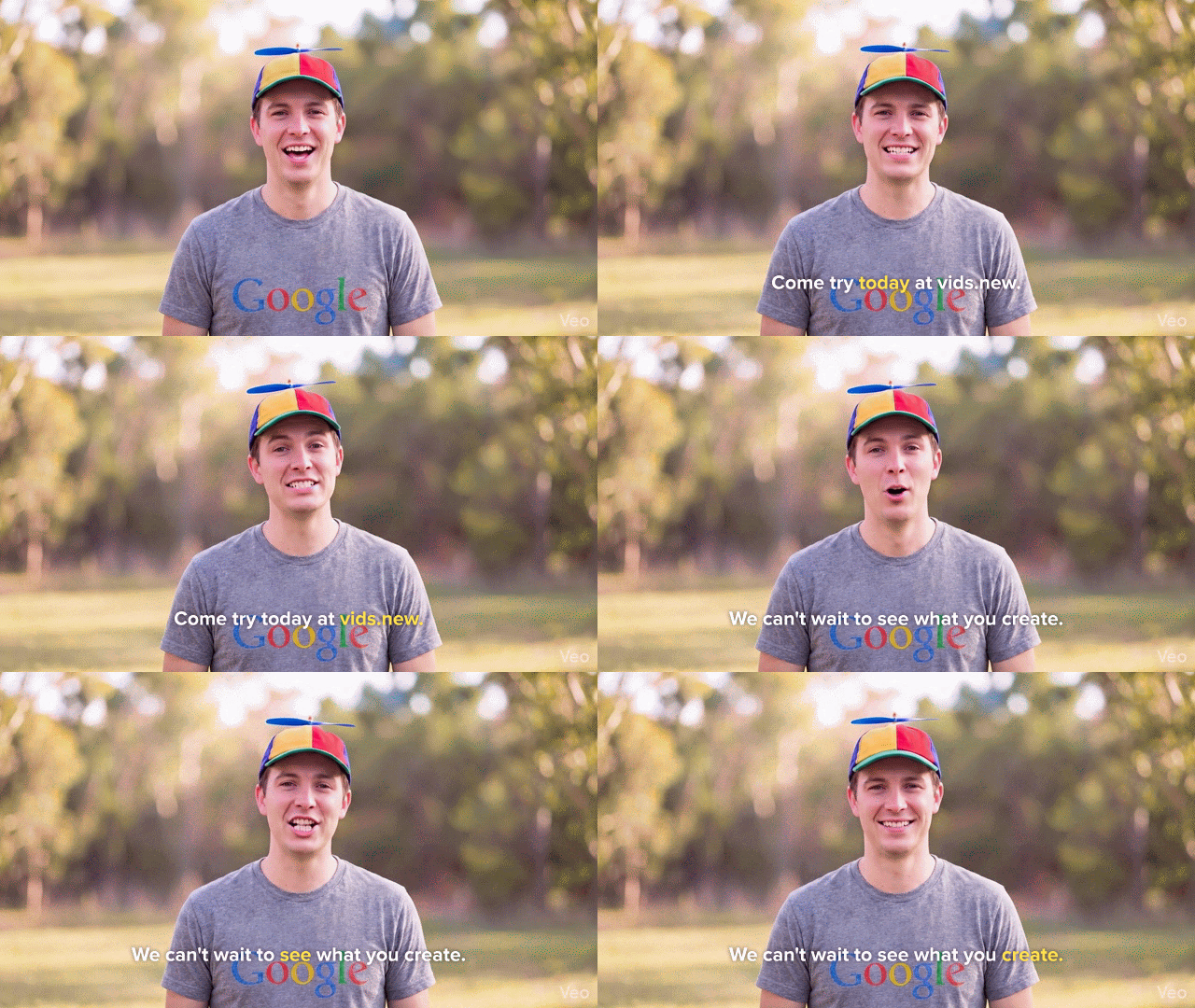
Starting today, you can brand your custom avatars in Google Vids by uploading a logo of your choice and using the power of Nano Banana 2 to refine how it appears on screen. You now have the creative control to ensure your AI-generated presenters align with your organization’s visual identity.
- Brand consistency: Upload logo assets to ensure your avatars represent your brand accurately across all videos.
- Nano Banana 2 refinement: Use Google’s latest models to adjust sizing and placement of logos to fit the style of your video.
- Simple collaboration: Save your branded custom avatar in each Vid so collaborators can generate with the same speaker, ensuring consistency.
 |
| Sample of Vids branding as enamel pin |
|
||
| UX of avatar branding |


Getting started
- Admins: There is no admin control for this feature.
- End users: Visit the Help Center to learn more about using AI avatars in Vids.
Rollout pace
- Rapid Release domains: Gradual rollout (up to 15 days for feature visibility) starting on April 22, 2026
- Scheduled Release domains: Full rollout (1–3 days for feature visibility) starting on May 6, 2026
Availability
- Business: Business Starter*, Standard, and Plus
- Enterprise: Enterprise Starter*, Standard, and Plus
- Education: Education Plus*
- Consumer: Google AI Pro and Ultra
- Other Editions: Essentials, Enterprise Essentials, and Enterprise Essentials Plus; Nonprofits*
- AI Add-ons: AI Expanded Access**; AI Ultra Access**; Google AI Pro for Education
- Other Add-ons: Teaching and Learning*
*For a limited time, at least through May 31, 2026, Business Starter, Enterprise Starter, Nonprofit, Education Plus, and Teaching and Learning add-on accounts can access generative AI features in Vids. Learn about Google Vids availability.
**Users with AI Expanded Access and AI Ultra Access licenses will have higher limits on usage of avatars in Google Vids.
Resources
- About Avatars: About Vids AI avatars
- Google Help: Use AI avatars in Google Vids