
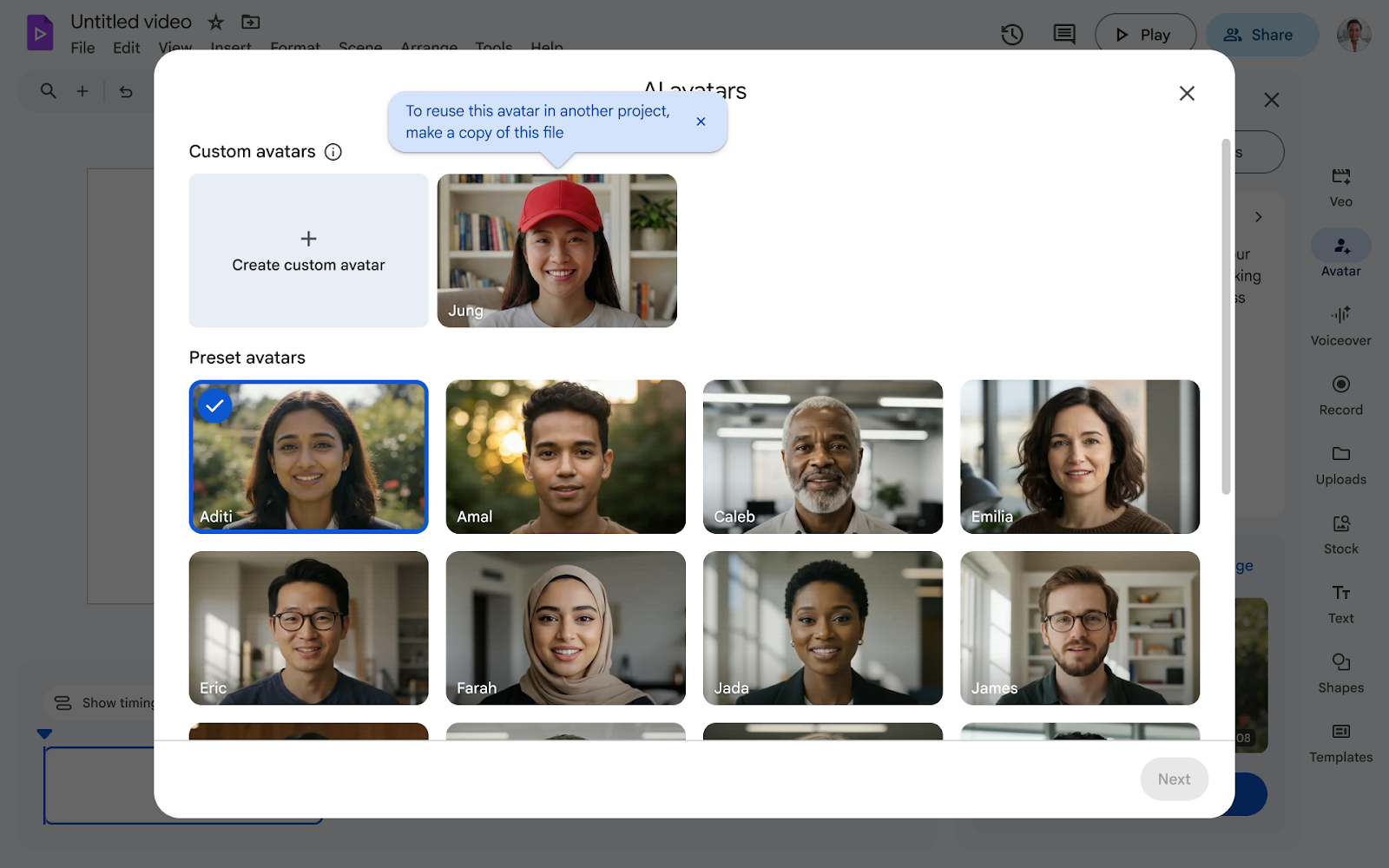
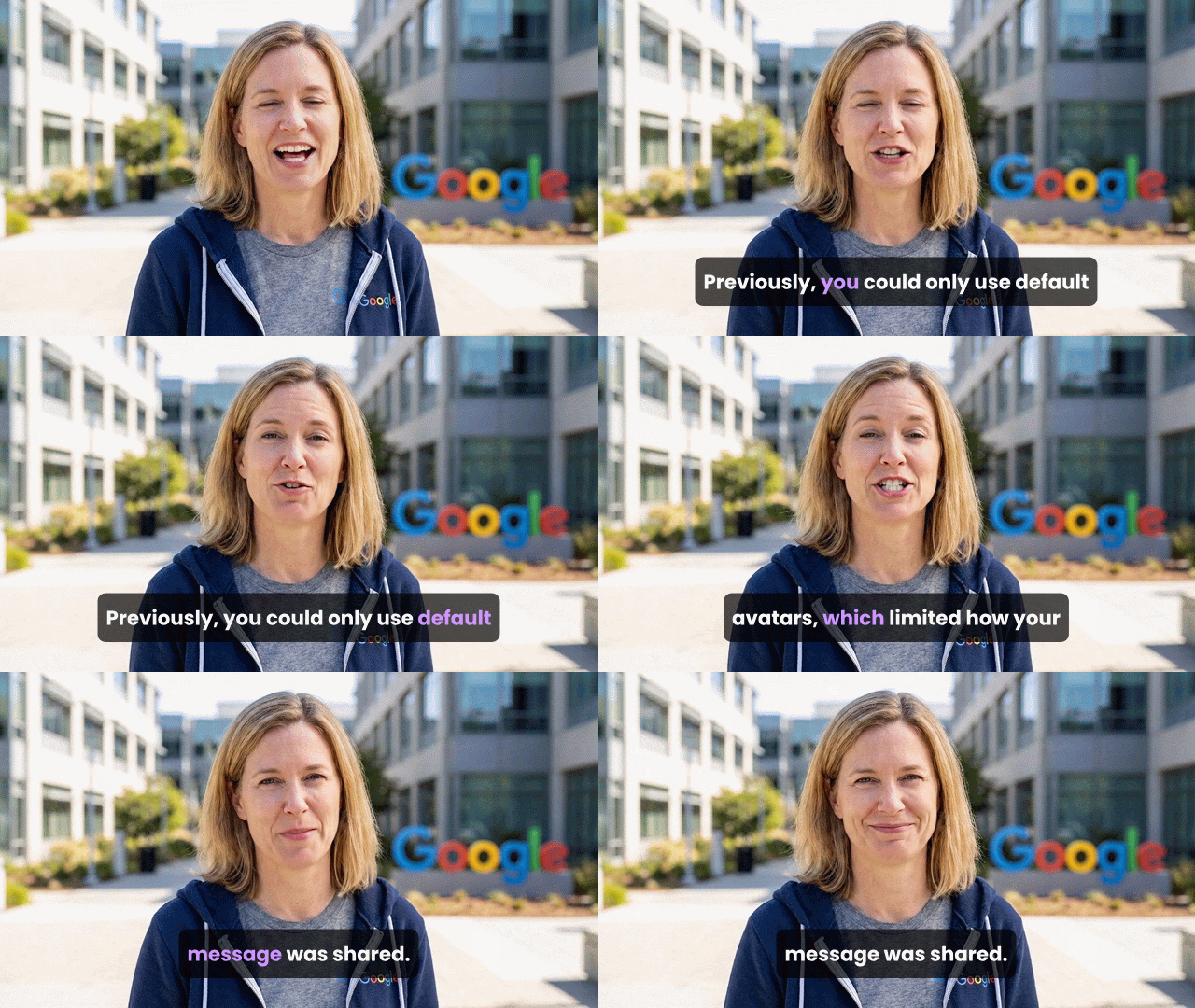
AI Avatars in Google Vids provide high-quality speakers preferred five times more often than those on other platforms. Now you can customize and refine these avatars to match your brand and message, with Nano Banana 2.
Why use custom avatars?
- Unique Branding: Build an exclusive look that represents your specific team or organization.
- Global Localization: Adjust appearance and background to fit specific regional locales.
- Tailored Imagery: Stylize outfits—such as a tuxedo—to match the specific tone of your video.
 |
|
Googler avatar |
 |
|
Astronaut avatar |
Complete Creative Control
- Guided Generation: Use a simple prompt or the guided form to create your initial avatar.
- Easy Refinement: Request specific tweaks like adding glasses, hats, or changing locations.
- Vocal Variety: Choose from seven available voices to seamlessly pair with your custom visuals.
 |
| Custom Avatar user experience |
Getting started
- Admins: There is no admin control for this feature.
- End users: Visit the Help Center to learn more about using avatars in Vids.
Note: Workspace customers will get promotional access to higher usage limits of avatars in Vids, allowing users to experiment with these features. Per-user usage limits will apply afterward; we’ll provide more information in a future update prior to any changes.
Rollout pace
- Rapid Release and Scheduled Release domains: Full rollout (1–3 days for feature visibility) starting on April 2, 2026.
Availability
- Business: Business Starter**, Standard, and Plus
- Enterprise: Enterprise Starter**, Standard, and Plus
- Education: Education Plus**
- Consumer: Google AI Pro and Ultra
- Other Editions: Essentials, Enterprise Essentials, and Enterprise Essentials Plus; Nonprofits**
- AI Add-ons: AI Ultra Access; AI Expanded Access; Google AI Pro for Education
- Other Add-ons: Teaching and Learning**
**For a limited time, at least through May 31, 2026, Business Starter, Enterprise Starter, Nonprofit, Education Plus, and Teaching and Learning add-on accounts can access generative AI features in Vids. Learn about Google Vids availability
Resources
- Google Help: Use AI avatars in Google Vids