
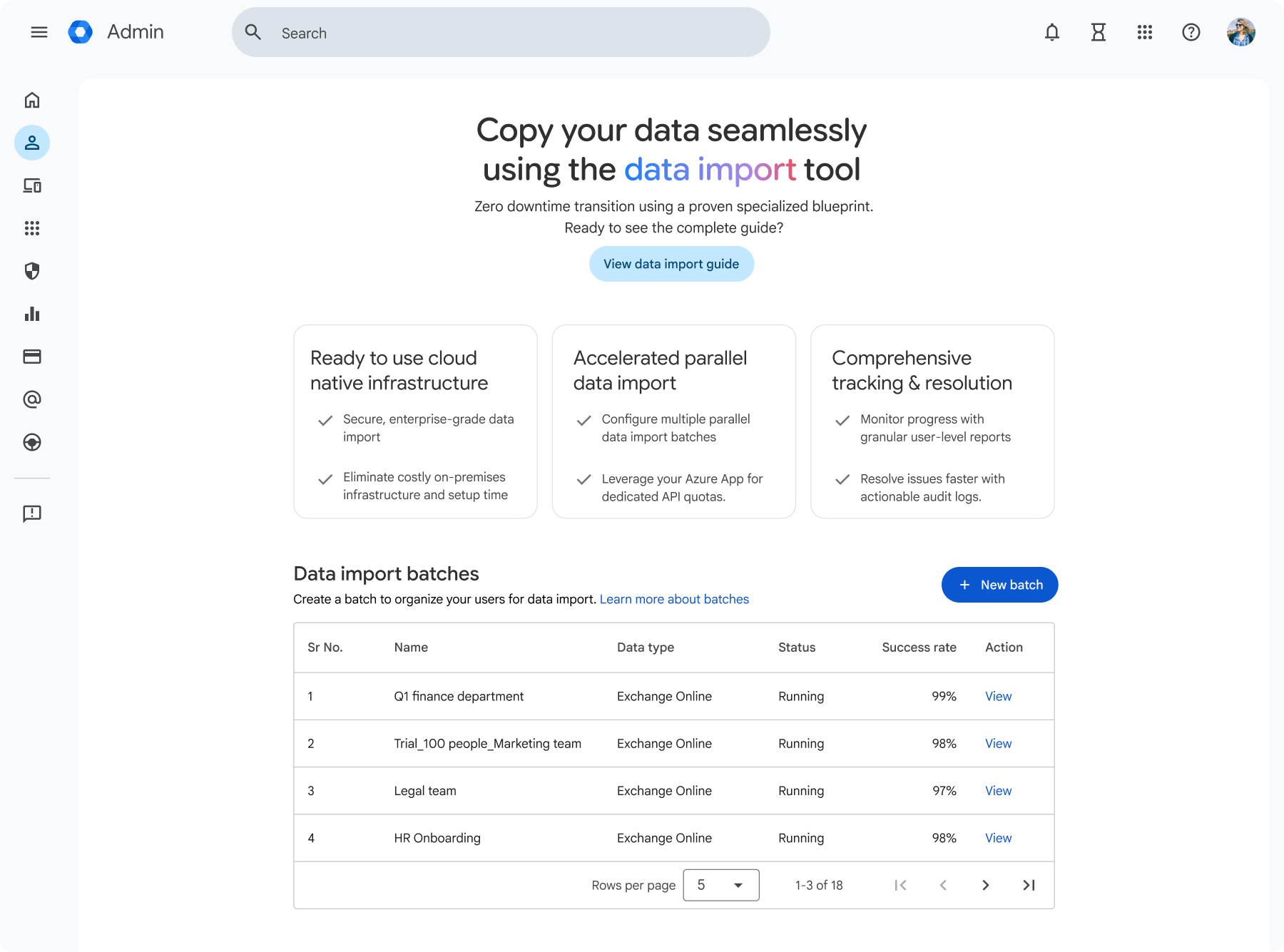
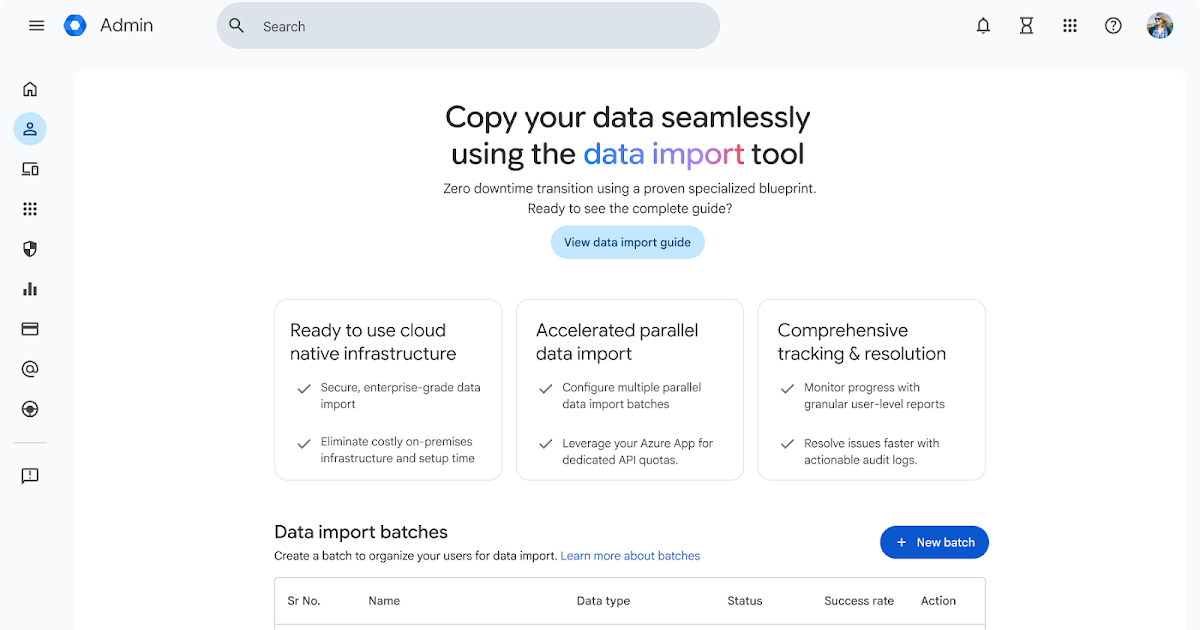
For enterprises, data migrations and change management for a new productivity and collaboration platform can feel daunting and create business disruption across the organization. Not anymore. Today, we are excited to announce the general availability of our new Google Workspace data migration tool for enterprises: Data import.
With data import, enterprise organizations will be able to achieve easier, faster, and higher-fidelity data migrations than before for emails, calendars, and contacts – all at no additional tool cost. Moreover, the substantial time and cost-savings to IT teams will free up their bandwidth and budget to prioritize other business critical tasks.
Data import provides:
- Ease of use: A turnkey, scalable cloud-native solution that can be accessed and deployed directly from the admin console.
- Quicker speeds and accuracy: Finish importing data sooner with faster migration speeds from parallelization and improved algorithms.
- No additional tool cost to use: No additional infrastructure costs for Google Cloud Platform (GCP) during migration or licensing costs for third-party data migration tools.

Additionally, customers will have access to a new migration planning utility that will help improve their change management and data migration forecasting. The migration planning utility is available to provide migration timeline estimates and organize user data into speed-optimized batches. This offers customers zero-friction discovery and data-driven planning when undertaking large scale enterprise migrations from Microsoft 365 to Google Workspace.
Additional details
Data import and the migration planning utility are now available to accelerate enterprise-scale data migrations for Microsoft Exchange Online, with additional support for OneDrive, SharePoint Online, and Teams coming soon.

Getting started
- Admins:
- Access the data import tool within Google Workspace Admin console. Visit the Help Center to learn more about migrating emails from an Exchange Online account to Google Workspace via data import advanced mode. You must be a Workspace super admin to perform a migration.
- Click here to access the migration planner tool.
- End users: There is no end user impact or action required.
Rollout pace
- Rapid Release and Scheduled Release domains: Available now
Availability
- Business: Business Starter, Standard, and Plus
- Enterprise: Enterprise Standard and Plus
- Education: Education Fundamentals, Standard, and Plus
- Other Editions: Essentials Starter, Enterprise Essentials, and Enterprise Essentials Plus; Nonprofit
Resources
- Google Workspace Admin Help: Use the advanced migration mode for Exchange Online
- Google Workspace Admin Help: Set up the Azure application for an advanced migration