
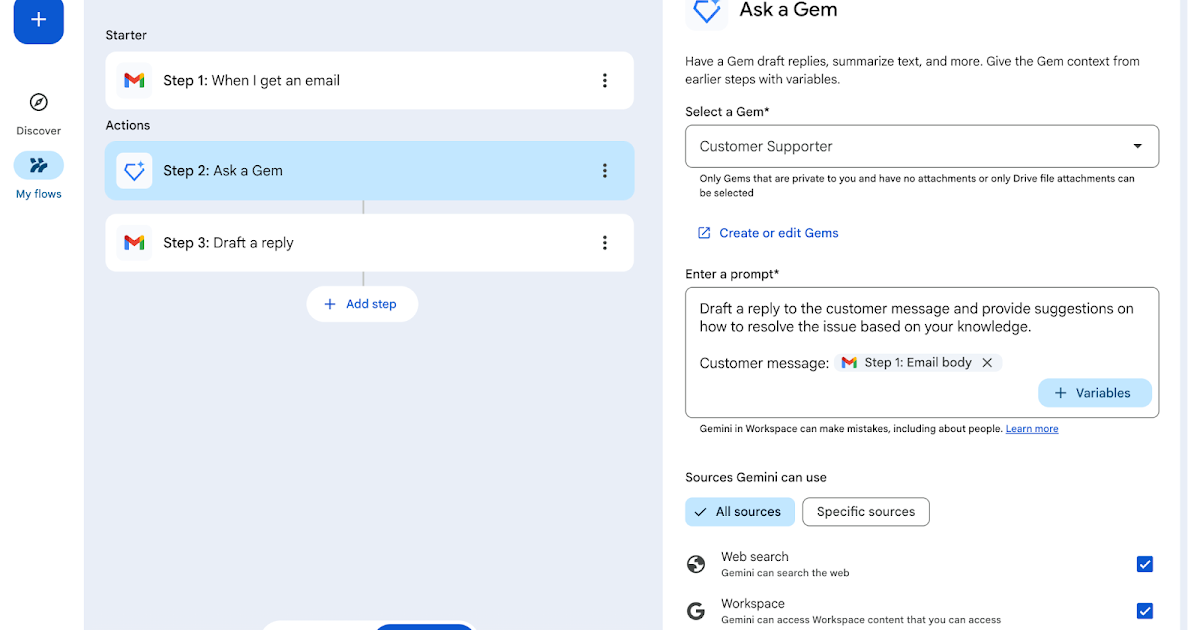
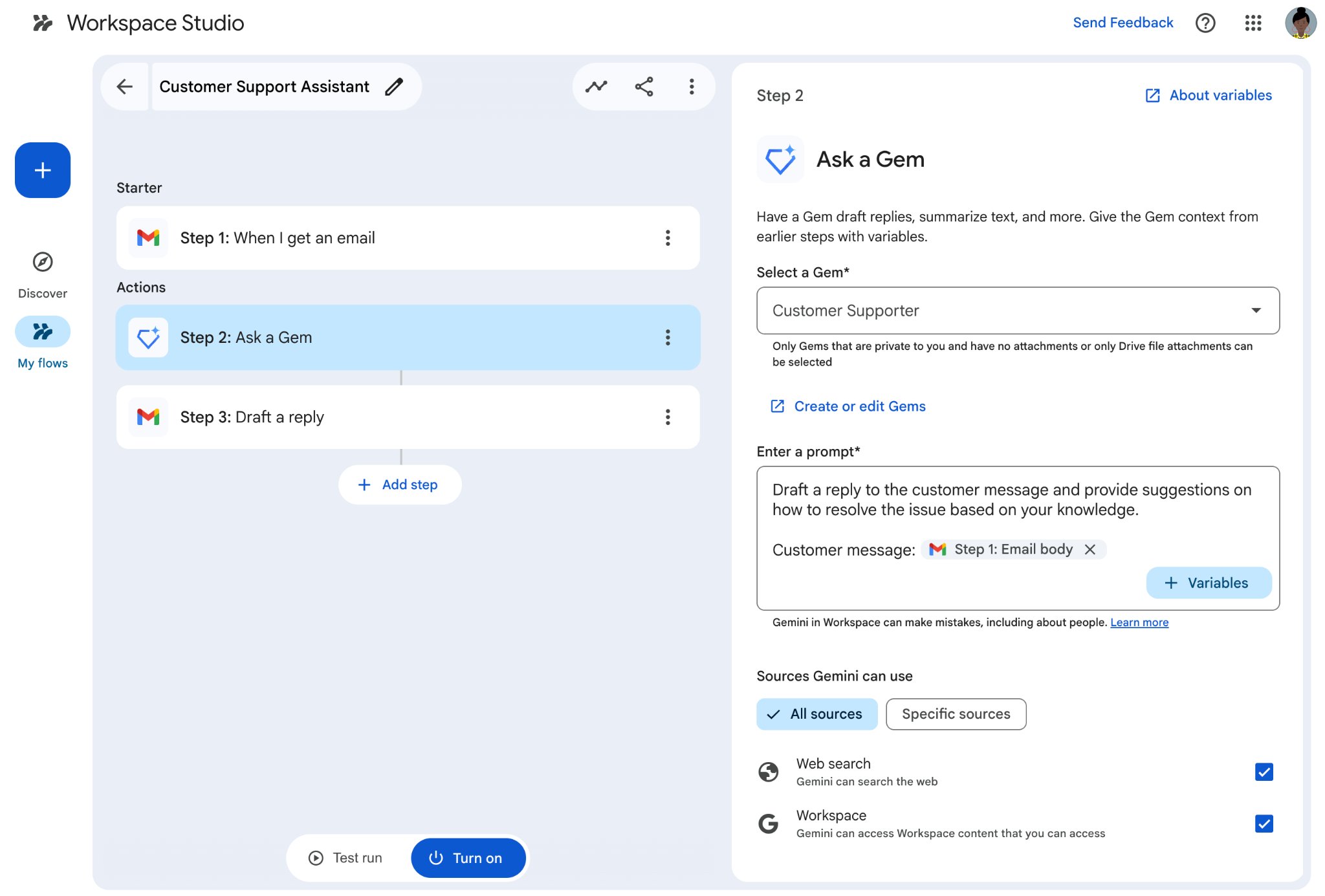
We are integrating Gems into Google Workspace Studio as a step that you can add to your flows.
The Ask a Gem step allows you to have your flows send a prompt to private Gems to automate tasks like creating summaries or writing documents. You can use any Gem with Drive files in its knowledge base (Gems with Google Photos or other file types will not appear in Studio).
 |
| Use the Ask a Gem step to send prompts to Gems |
Getting started
- Admins: This step is available by default if you allow Gemini for Google Workspace steps. Visit the Help Center to learn more about managing access to steps and starters in Workspace Studio.
- End users: Try the feature in Google Workspace Studio. Visit the Help Center to learn more about Ask a Gem.
Note: Through June 1, 2026, Workspace customers have promotional access to higher limits for Workspace Studio, allowing users to experiment with Studio features. Per-user usage limits will apply after that date.
Rollout pace
- Rapid Release and Scheduled Release domains: Gradual rollout (up to 15 days for feature visibility) started on April 17, 2026
Availability
- Business: Business Starter, Standard, and Plus
- Enterprise: Enterprise Standard and Plus
- Education: Education Fundamentals, Standard, and Plus
- AI Add-ons: AI Expanded Access*; AI Ultra Access*; Google AI Pro for Education
- Other Add-ons: Teaching and Learning
*Starting June 1, 2026, users with AI Expanded Access and AI Ultra Access licenses will have higher limits on usage of Workspace Studio.
Resources
- Google Workspace Admin Help: Workspace Studio
- Google Help: Get Started with Workspace Studio
- Google Workspace Learning Center: Google Workspace Studio training and help
- Google Workspace Blog: Introducing Google Workspace Studio: Automate everyday work with AI agents
- YouTube: Google Workspace Studio video playlist
- Discord: Google Workspace Studio Discord